
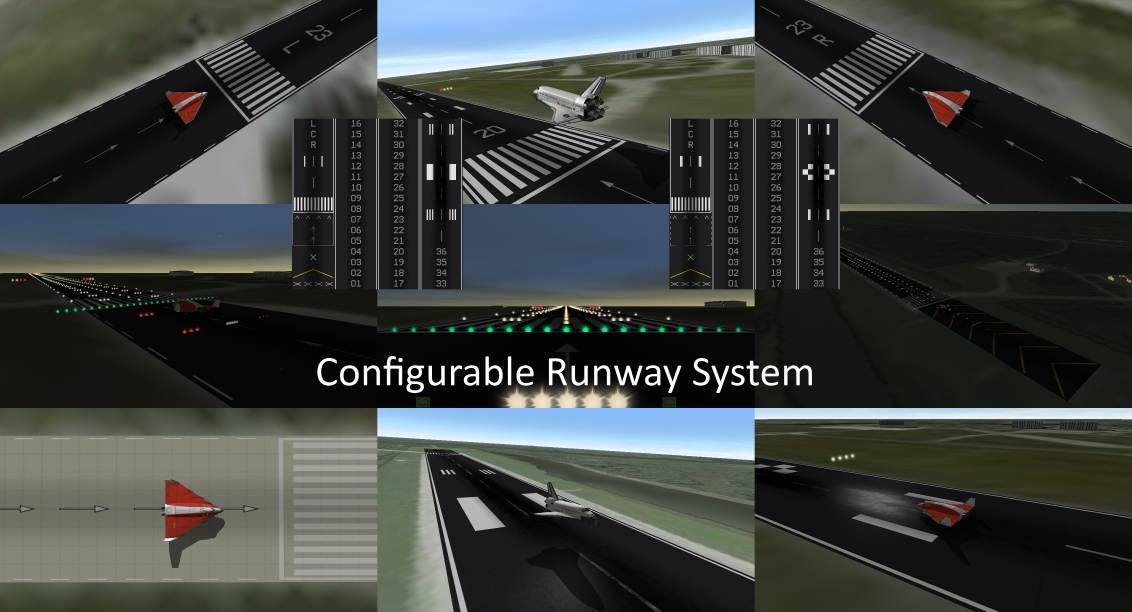
This addon enables the quick and easy modification of existing runways in Orbiter Spaceflight Simulator to permit customised markings such as chevrons, displaced thresholds, and runway and heading designators. I have provided five, 2048 pixel square runway textures with a generic layout that handles all possible runway configurations in a standardised way - three have asphalt surface types, and two others, concrete.
Working out the texture coordinates and segment proportions to create a custom runway is a difficult task, so I have written and included a command line tool called rwseg to calculate and write the runway segment script to suit your specification, which you then paste into the runway portion of your base configuration file.
Doncaster Sheffield Airport, Yorkshire is also included, showing an asphalt runway with 02/20 runway designators and displaced thresholds.
Installation
Decompress the zip package into the root folder of your Orbiter installation. There are 61 files and they will require about 34MB of storage space.
Release 2 Changes: The addition of specular highlighting textures. A safer version of rwseg incase you mix up runway end coordinates with chevrons and get 9754 chevrons, achieved through imposing a limit of 64 on the number of chevrons or displaced threshold size. Improved runway lighting at EGCN, and improved documentation about lighting.
Release 3 Changes: The addition of two asphalt and concrete runway textures - and associated specular textures - with alternative landing markings and displaced threshold arrows, called Runway_ASA, and Runway_COA. A modification to rwseg that makes available a different scripting mode to better use these alternative markings. A bug fix to rwseg because it could want to create a zero heading runway designator, when it should be 36.
Release 4 Changes: If a zero heading was specified when using the rwseg tool, it calculated an incorrect heading for the runway.