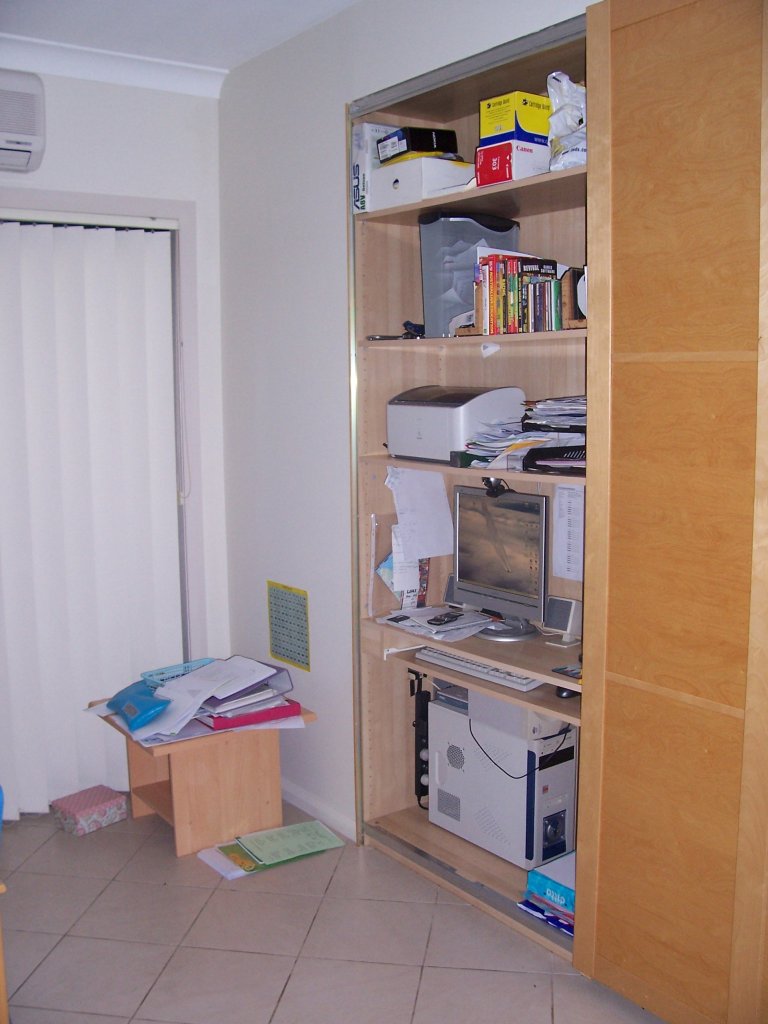
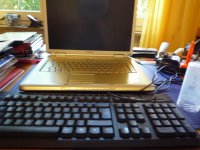
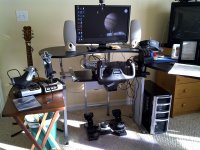
Show us your battle station.

Where the real O-F work is done: (notice Tex and I both have paper shredders... :P)
101_2790.JPG


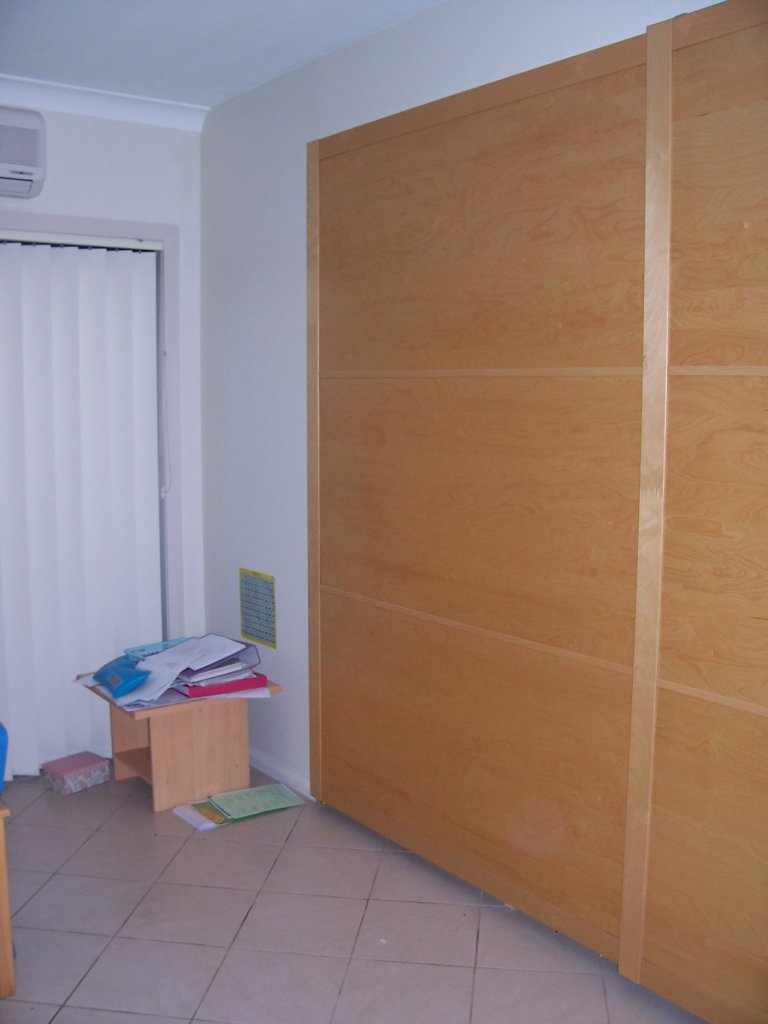
Stealth mode:
101_2797.JPG
 
O-F Headquarters:

DSCN3829.jpg

Nice setup! Local/GMT clocks definitely add a nice touch. I too have the same chair, along with the TrackIR camera on the monitor :thumbup:
 
YES!!! Finally! Someone on O-F that knows what gundams are!!! :lol:
Is that surprising? Imagine my surprise when I found out that Izack not only knew what Touhou was, he was better than me at it! :hail:

I should get some Gunpura some time...need to watch moar Gundam first...

@tblaxland: "You're Batman!"
 
This is the best that I was able to get (blame the camera):
DSCI0378.JPG


My joystick is behind the damaged chair. The wallpaper on the screen is spaceflight-related, maybe some of you can guess who is on it :lol:.
 
YES!!! Finally! Someone on O-F that knows what gundams are!!! :lol:
You mean there's people who don't know what gundams are? I don't believe in the world anymore :suicide:

Darren

PS: Gundams in orbiter would be kickass.
PPS: How do we know Tex isn't :probe:?
 
PS: Gundams in orbiter would be kickass
Making Gundam related stuff in orbiter... The very reason why I became an addon developer. :lol: As far as I know, no one has ever made anything Gundam related in Orbiter. So started out with trying to make the "Archangel" from Gundam Seed, but it proved too complicated for me to model it. :cry: So after I finish "resurrecting" my long dead orbital cannon (for the 2nd time:embarrassed:), I'm going to try to make the CBS-74 Ptolemaios 2 from Gundam 00. Wish me luck! :lol:
PPS: How do we know Tex isn't :probe:?
Hahaha, haven't thought of that. :lol:

PS, If there are any Addon Developers out there that happen to be Gundam fans and want to help me, please PM me. :):lol:

:hail::probe:
 
Last edited:
My computers

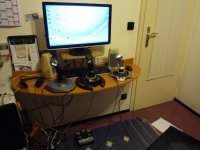
My computer station:
P1120406.jpg
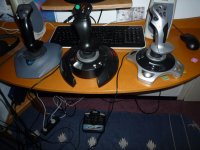
My Game-Controllers:
P1120408.jpg
My old Laptop (standing on a desk, left from the pictures before)
picture.php

(it has 2 GHZ)
P1120414.jpg
 
Last edited:
As far as I know, no one has ever made anything Gundam related in Orbiter.
There's a Gunperry on Orbithangar. That sort of counts. :P
The main problem with an MS in Orbiter would be the mindscrew of animations and COG-shifting involved. There was already a short discussion on the AMBAC somewhere. I don't really see the point of an MS in Orbiter, though. Not only are they only fun for shooting things, they're completely unusable in a realistic physics environment.

:threadjacked:

Move along, move along.

P.S. Yes! I FINALLY made a Stormtrooper quote!
 
My Updated Rig

Wanted to share an update pic of my rig/battle station. Recently picked up both the Saitek Pro Flight System and Saitek Pedals from a co-worker. I've since done some slight modding to my desk in order to mount things the way I needed to - removed the bottom shelf to make room for the pedals, and mounted the power strip on an existing support bar just behind the keyboard tray, which is currently (temporarily) being secured from moving by the mounting bracket for the throttle quadrant.

I also had to 'modify' said mounting bracket to get it to mount sideways to the side work surface, since Saitek in their limited thinking didn't make the holes for the mounting screws square/equidistant. It is currently attached (securely) to the quadrant by two diagonally-placed screws.

Attached is a pic of the result.
 

Attachments

  • Rig_Updated.jpg
    Rig_Updated.jpg
    262.9 KB · Views: 46
Last edited:
1002248y.jpg

Currently Running Dual Monitors on my Dell Dimension 8400. The LCD monitor came with the machine, but the Gateway Monitor was built c. 1999. The setup I have is hopefully the first step in building my simpit.
 
Ok, here's my battlestation (although I prefer 'Command Bridge')... My pride and joy, I call it: BigRig Mk 7

picture.php


This is how I normally fly... lights dim so the orbiting experience is improved

Here it is again with more lights on:

picture.php


The setup (or the parts of it worthy of note) is a Core i7 920, Geforce GTX 460, Matrox TripleHead2Go, Saitek X52 Pro, Saitek Rudder Pedals, 3DConnexion SpaceNavigator (aka little blue thingy left of the keyboard), TrackIR 5, Microsoft Sidewinder X6 keyboard, Logitech X-550 sound system, Wacom Intuos 3 tablet (not Orbiter-related, but useful), 3 LG 1952h LCDs, some Super Mario decorations, and the DG paper model from OrbitHangar :hailprobe:.

It's not too visible in the shots, but I removed the arms off the chair, since they collided with the desk keyboard tray... I replaced them with L-shaped pieces that I scored from work, they were about to send a bunch of pieces to be machine-cut out of MDF... I just had my friend draw up the parts in Rhino ;)

Cheers
 
Last edited:
Ok, here's my battlestation (although I prefer 'Command Bridge')... My pride and joy, I call it: BigRig Mk 7

picture.php


This is how I normally fly... lights dim so the orbiting experience is improved

Here it is again with more lights on:

picture.php


The setup (or the parts of it worthy of note) is a Core i7 920, Geforce GTX 460, Matrox TripleHead2Go, Saitek X52 Pro, Saitek Rudder Pedals, 3DConnexion SpaceNavigator (aka little blue thingy left of the keyboard), TrackIR 5, Microsoft Sidewinder X6 keyboard, Logitech X-550 sound system, Wacom Intuos 3 tablet (not Orbiter-related, but useful), 3 LG 1952h LCDs, some Super Mario decorations, and the DG paper model from OrbitHangar :hailprobe:.

It's not too visible in the shots, but I removed the arms off the chair, since they collided with the desk keyboard tray... I replaced them with L-shaped pieces that I scored from work, they were about to send a bunch of pieces to be machine-cut out of MDF... I just had my friend draw up the parts in Rhino ;)

Cheers
:hail:
dude, that is AWSOME!!!!!!!!!!!!!
i HAVE to make mine like that,
and ive also wondered, how do you split the screen into 3 different moniters?
 
Incredible, HarvesteR!

Also, splitting your screen is easy and doesn't cost anything... as long as you have three screens. Just plug them in and they will work mostly out of the box on most systems... more or less.
 
Thanks everyone!!

The 3 Screens are handled by a device called TripleHead2Go, by Matrox... This device connects to the video card as if it were a monitor, and reports in a triple-wide resolution. (in my case it's 3840x1024)... Then it splits the triple-wide signal for each of the screens.

There is also a program you install that keeps your windows organized, as if they were 3 independent monitors, so you can use it for productivity also (and I must say, it makes a serious difference).

It's not so expensive to set one up these days... LCD screens have become incredibly cheap. The TripleHead2Go itself is probably the most expensive part, at 300USD... but you can probably get the full setup for under a grand. (assuming you have to buy all the screens)

In my case I already had one screen, so I got the TH2Go and two more identical ones... the two screens were 30% cheaper by the time I got them... :P
I does make a world of difference having three identical screens though... mine, although they're the same model, they're a different revision, and that's enough to make the numbers on the setup screen not match anymore...

Cheers
 
Last edited:
I'm using D3D9 here. I got OGLA installed too, but, no offense to Artlav, I think D3D9 is doing a better job in rendering cockpit instruments and HUDs right now...

Thanks!!

Cheers
 
Back
Top