You can zoom out as far as you want when in external view, you know...
yes, but you can't see all the trajectories... i suspect that was the intended request -- which i agree BTW :thumbup:
this thing is SO awesome! - i can't say that enough :tiphat:

You can zoom out as far as you want when in external view, you know...


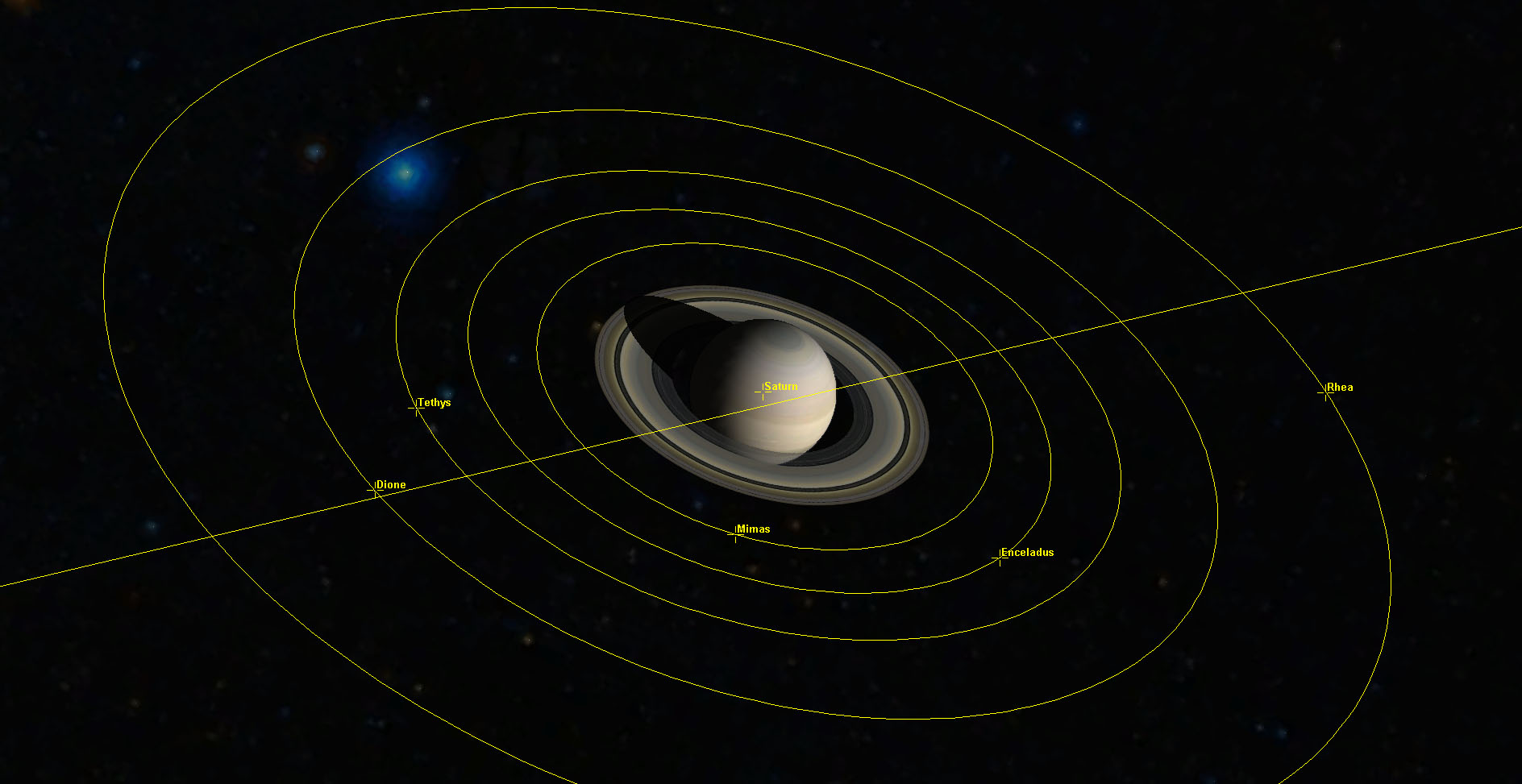


Surely planned, but that's a task of an entirely different complexity level.The one suggestion I have is trajectory plotting for 'n' planets.
But, i have no idea on it's whereabouts, and the beta crashes in debugger on my rig.link it up with the Orbiter Navigator.
Easily, someone (GaryW?) already have made or shown off such an exporter module, so it's possible.Could the data from a simulation using this be exported into a different program, say Google earth or Celestia, so you could have a visual record of your flight afterwards.
Fixed, fixed.I couldn't get it to work in P1? I loaded the Galillean Satellite scenario, with the Outer Planets add-on, and expected to see dozens of orbital tracks, and saw none.

 be with you, man! this project is beyond amazing!


Hm, haven't played with Outer Planets addon for a while...Zooming out to the whole Jovian system (with all minor moons and trojans):
 in disguise.
 Fun fun fun!
Hm? Please clarify.2. The ability to turn off the text even when it's on. *sorry, OCD >.>*

But, i have no idea on it's whereabouts, and the beta crashes in debugger on my rig.
How's the FPS on such a knot, btw?

No idea about GoogleEarth, but [ame="http://www.orbithangar.com/searchid.php?ID=4510"]Orb2CelMFD[/ame] will record your trajectory and output an .xyzv file for use with Celestia.Could the data from a simulation using this be exported into a different program, say Google earth or Celestia, so you could have a visual record of your flight afterwards


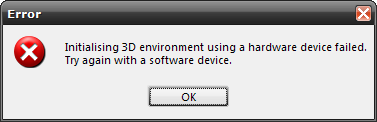
Unfortunately, i have no idea what is causing this.Every time I run Orbiter with either videnie module enabled, or when it was enabled on the Launchpad, but I disabled it before simulation start without closing the Launchpad (i.e. with the same process id of Orbiter - maybe grhook.dll doesn't get unloaded then), either in full screen or windowed mode, there is this error message box on just created render window:
What should one do exactly to reproduce that? Does it still happen with new version?1. I get a CTD when disabling videnie for the first time.
Any better with new version?I do have a problem with the "Panning" function [7]
Enabling this for the first time caused CTD, but not subsequent times.
Ouch. I doomed to forget about return-to-launchpad termination mode..The debug version of videnie has the same bug: Enable videnie in the Modules pane. Start a scenario. Exit scenario. Disable videnie. Get a CTD: Access violation at 0207116D.


Yes, it CTDs on me. Tried several times in a row, always exiting from Orbiter first....
-If you start Orbiter without module on, enable then disable the module right away , and start a scenario, would there be a CTD?